07 Apr 2026

It meant a specialist, a long build time, heavy files, and a handoff process that could stretch a single animation across multiple weeks. Most of the time, for B2B websites, it just wasn't worth it.
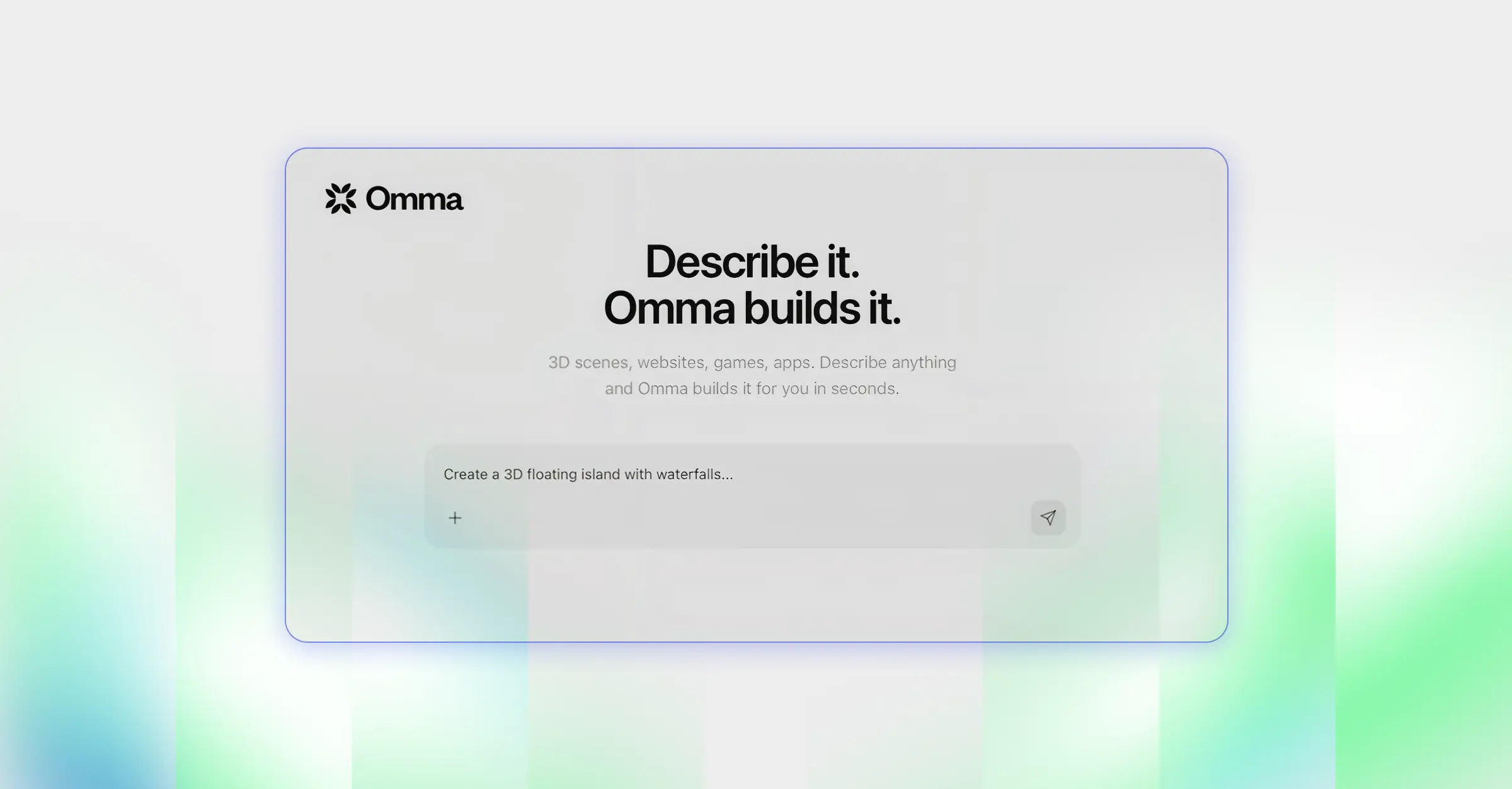
Omma changes that calculation. Launched by Spline on March 24, 2026, it's an AI canvas that generates interactive 3D assets, motion design, and functional UI from a single text prompt - and outputs production-ready code you can drop straight into a site.
We've been testing it at norta and have started incorporating it into web projects. Here's what it actually is, what makes it different, and where it fits in a real workflow.
Omma runs multiple AI agents in parallel from a single prompt. One handles code generation, one builds 3D geometry, one generates images and textures - all simultaneously. The output is a complete, interactive experience: not a static render, not a prototype, but something that can be embedded and shipped.
Everything Omma generates stays editable inside Spline's visual tools. So you're not locked into the first output - you can prompt, inspect individual mesh components, adjust, and iterate. The 3D models export as GLB, compressed and web-optimized. The whole thing deploys cross-platform: web, mobile, and XR.
The key differentiator: Omma doesn't just generate a 3D object or a code snippet. It generates both at the same time, already integrated, already interactive. That collapses what used to be a multi-tool, multi-person pipeline into a single conversation.
For most B2B websites, 3D has been a hero section luxury - something you'd do if the budget allowed and the brand warranted it. Omma shifts the threshold. Because generation is fast and the output is already web-ready, it becomes viable for more use cases: feature illustrations, interactive product demos, scroll-triggered animations, animated backgrounds for landing pages.
At norta, we're treating Omma as a layer in the production workflow, not a replacement for it. The prompt handles ideation and initial generation. Spline's editor handles refinement and brand alignment. Webflow handles embedding and responsive behavior. Each tool does what it's best at.
Omma works best when the prompt is specific about the visual mood, the use case, and the interaction - not just the object. "A 3D sphere" gets you a sphere. "An animated 3D product orb for a SaaS hero section, dark background, slow rotation, soft glow on hover" gets you something closer to what you'd actually ship.
For 3D model generation specifically, you trigger it with the /3d command. The model gets placed into a scene automatically, with the GLB file compressed and ready for export or direct embedding.

The obvious comparisons are Vercel's v0, Bolt, and Lovable - all of which generate web UI from prompts. The difference is that those tools produce flat, component-based interfaces. Omma adds the third dimension and the motion layer. It's not competing with v0 for building a settings page - it's competing with the process of hiring a motion designer for a three-week hero animation.
Within the 3D space, most AI generators merge everything into a single mesh, which makes editing almost impossible once you have the output. Omma generates models with properly separated mesh components, so you can select, inspect, and edit individual parts in Spline after generation. For real production workflows, that's the detail that matters.
Design is moving from prototype-and-handoff to build-and-iterate. Omma is part of that shift - but the teams getting the most out of it are the ones who already have a clear visual language to direct it with. The tool accelerates execution. It doesn't replace the thinking that goes before it.
We've started testing Omma on web projects internally and with select clients - hero sections for product-led B2B companies, interactive feature callouts, animated backgrounds for campaign pages.
The workflow: prompt in Omma, refine in Spline, embed in Webflow. The generation step that used to take days now takes minutes. The refinement step - making sure it looks like the brand, not like something AI made - is where the design judgment still lives.
Omma is live at omma.build. There's a free plan with 50 credits per month - enough to experiment.
Omma is an AI canvas launched by Spline in March 2026 that generates interactive 3D assets, motion design, animation, and functional UI from a single text prompt. Unlike most AI generators that produce static outputs, Omma runs multiple AI agents in parallel - one for code, one for 3D geometry, one for images - and delivers a production-ready, interactive experience you can embed and ship directly.
Tools like v0, Bolt, and Lovable generate flat, component-based web UI from prompts. Omma adds the 3D and motion layer - it's built for interactive scenes, animated hero sections, and generative 3D assets, not just UI components. The other key difference is that Omma outputs stay fully editable in Spline's visual editor after generation, so you're not locked into the first result.
Yes. Omma exports 3D assets as GLB files, compressed and optimized for the web. The standard workflow is to generate in Omma, refine in Spline, then embed the Spline scene or export the asset into Webflow. Spline has a native Webflow embed option that handles responsive behavior and performance.
No. Omma is entirely prompt-driven - you describe what you want in plain language and the AI handles code generation, 3D modeling, and animation. That said, getting consistently useful output still requires specific, intentional prompts. Vague prompts produce generic results. The more you describe the mood, use case, interaction behavior, and visual context, the better the output.
Omma has a free plan with 50 credits per month, which includes full code generation but not 3D model generation. Paid plans start at $29 per month for the Professional tier, which includes 3D model generation and a larger monthly credit allocation. Credits can also be purchased individually on top of any paid plan.
Norta is currently testing Omma internally and incorporating it into select web projects - primarily for hero section animations, interactive feature visuals, and campaign page backgrounds where static illustration isn't enough. The workflow combines Omma for generation, Spline for brand-aligned refinement, and Webflow for embedding and responsive behavior.
Norta works with a small number of startups to ensure focus, quality, and true partnership.
Limited spots available